
Goodnotes
Study Space
1st place at the Goodnotes × Invention Corps designathon: an AI study space that turns a group's shared notes into a quiz game with collective scoring and a shared virtual pet.
Jump to deliverable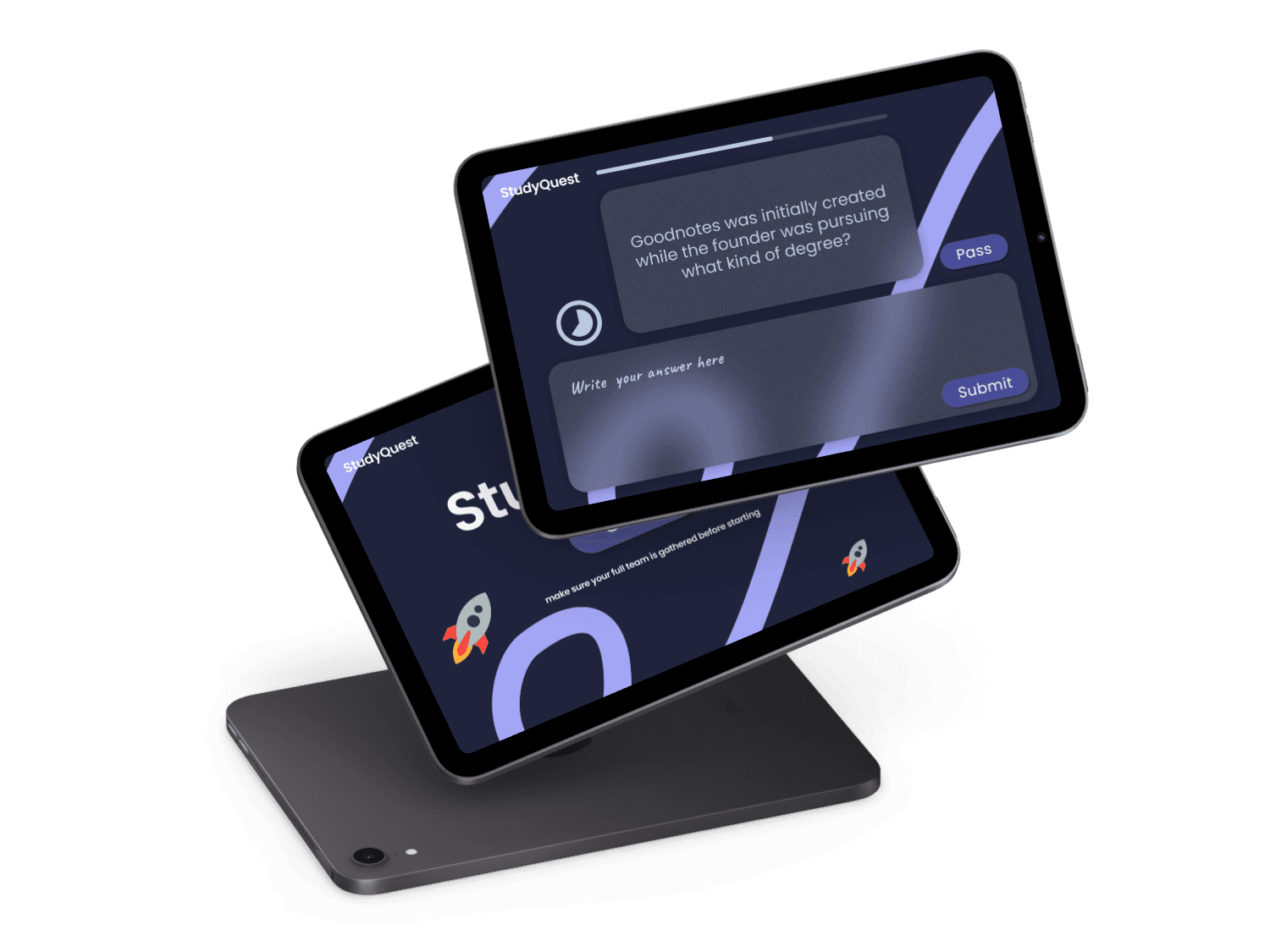
Prologue · Learning Is Easier Together
I'm getting really tired of these group projects.
Whether it’s a group test or research assignment, she feels things would be faster if she worked alone. Goodnotes — a digital note-taking platform for writing, organizing, and annotating by hand — recognized this as a widespread barrier in education.

So, What’s the Problem?
As AI reshapes EdTech, Goodnotes partnered with Invention Corps at UC Berkeley to explore new collaboration features. Our team ideated solutions that ultimately won 1st place at the designathon.
Design Question
How might we use AI to reimagine student-to-student collaboration and foster open discussion through Goodnotes?
Act 01 · Research
User Research
After thorough user interviews and competitor analysis of 4 other sites, I identified 3 major pain points that hindered the user experience.
Unbalanced Group Work
Unclear responsibilities and weak communication led to distrust among teammates.
Lack of Visual Brainstorming Tools
No visible contribution tracking; collaboration often became asynchronous and disconnected.
Unproductive In-person Collaboration
Students and teachers felt socially distanced, with little incentive for meaningful discussion.
At the end of the day,
Sophia wants confidence in group work.
She wants intuitive, low-pressure ways to build authentic academic connections without feeling overwhelmed.
Act 02 · Ideation
Design Goals
From our research findings, we came to 3 design goals.
Prioritize Fun and Creativity
Engaging activities encourage intrinsic motivation and collaboration.
Visible Contribution Tracking
Transparency fosters accountability and balanced participation and would ensure equal investment.
Collective Action
Outputs should reflect shared effort and group ownership.
Feature Ideation
As we turned our research findings into tangible solutions, we translated insights into focused feature concepts, drawing inspiration from:
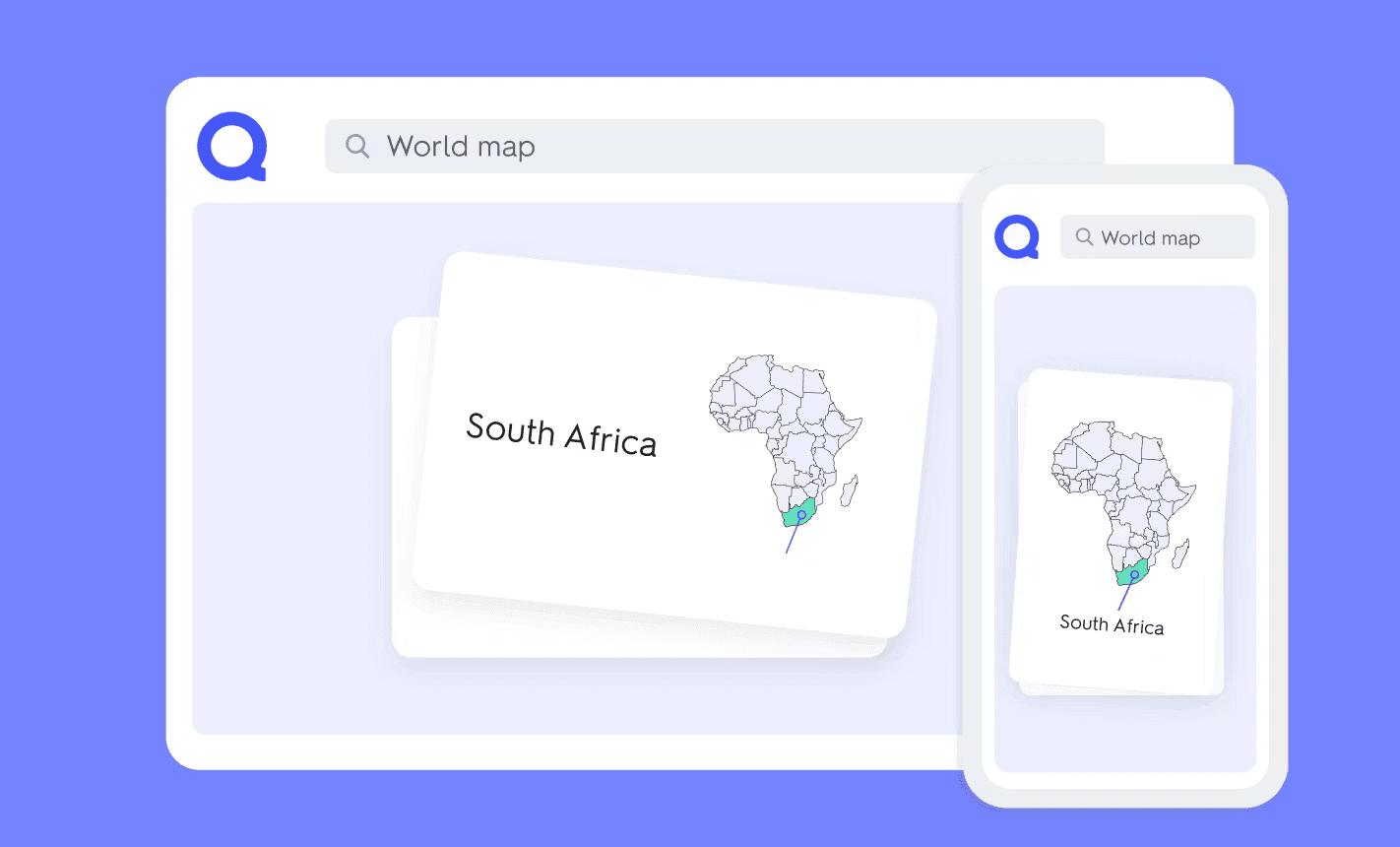


Quizlet’s simple, visually engaging flashcards.
Feature Brainstorming
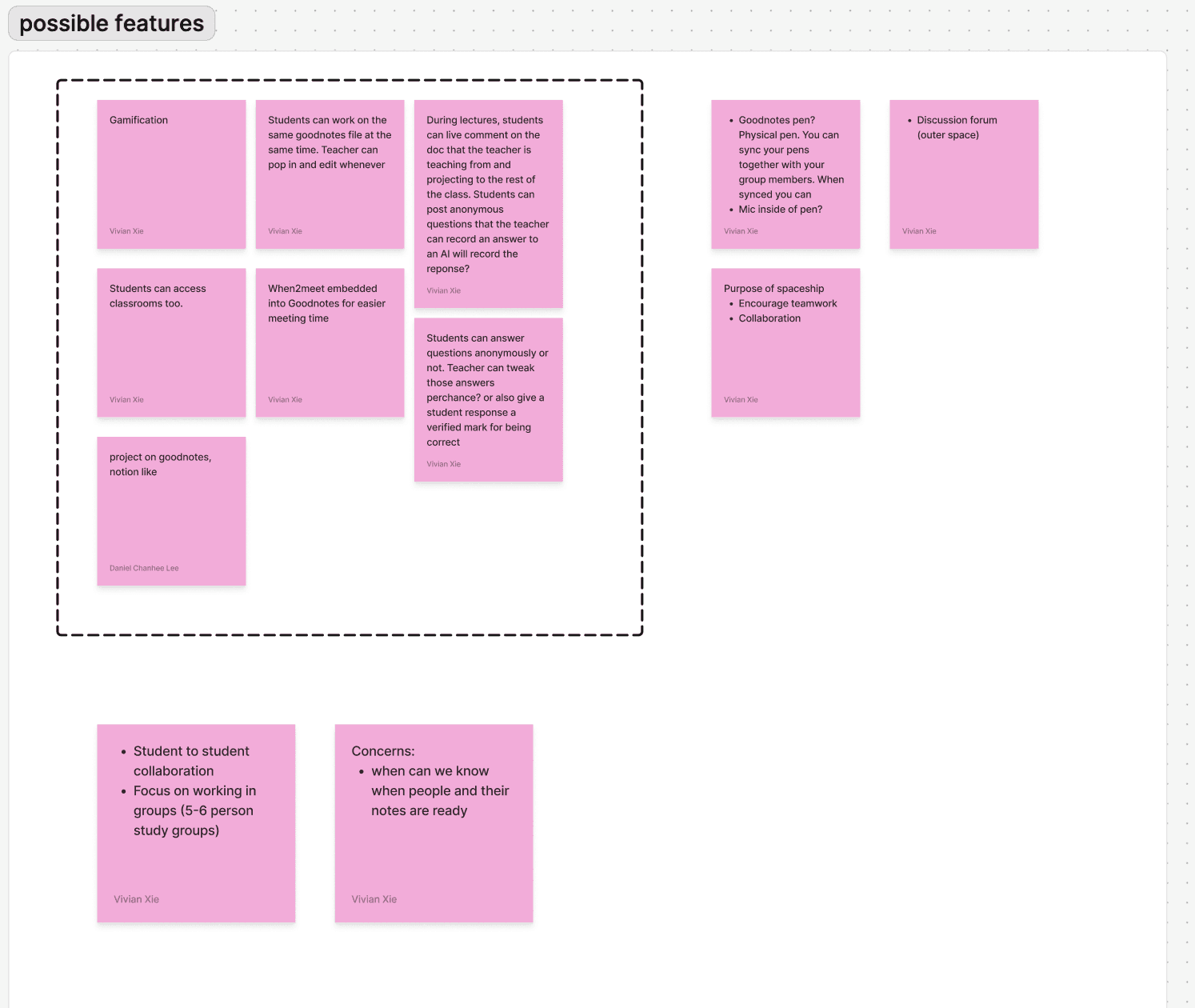
Gamification
“I bet our team is the best in the class!”
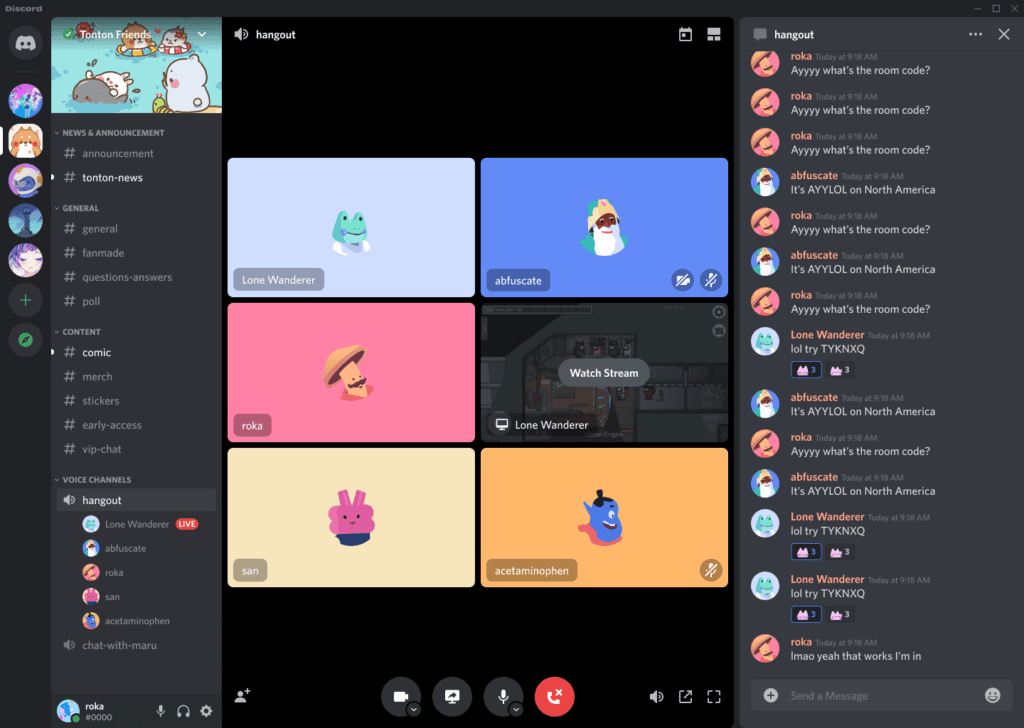
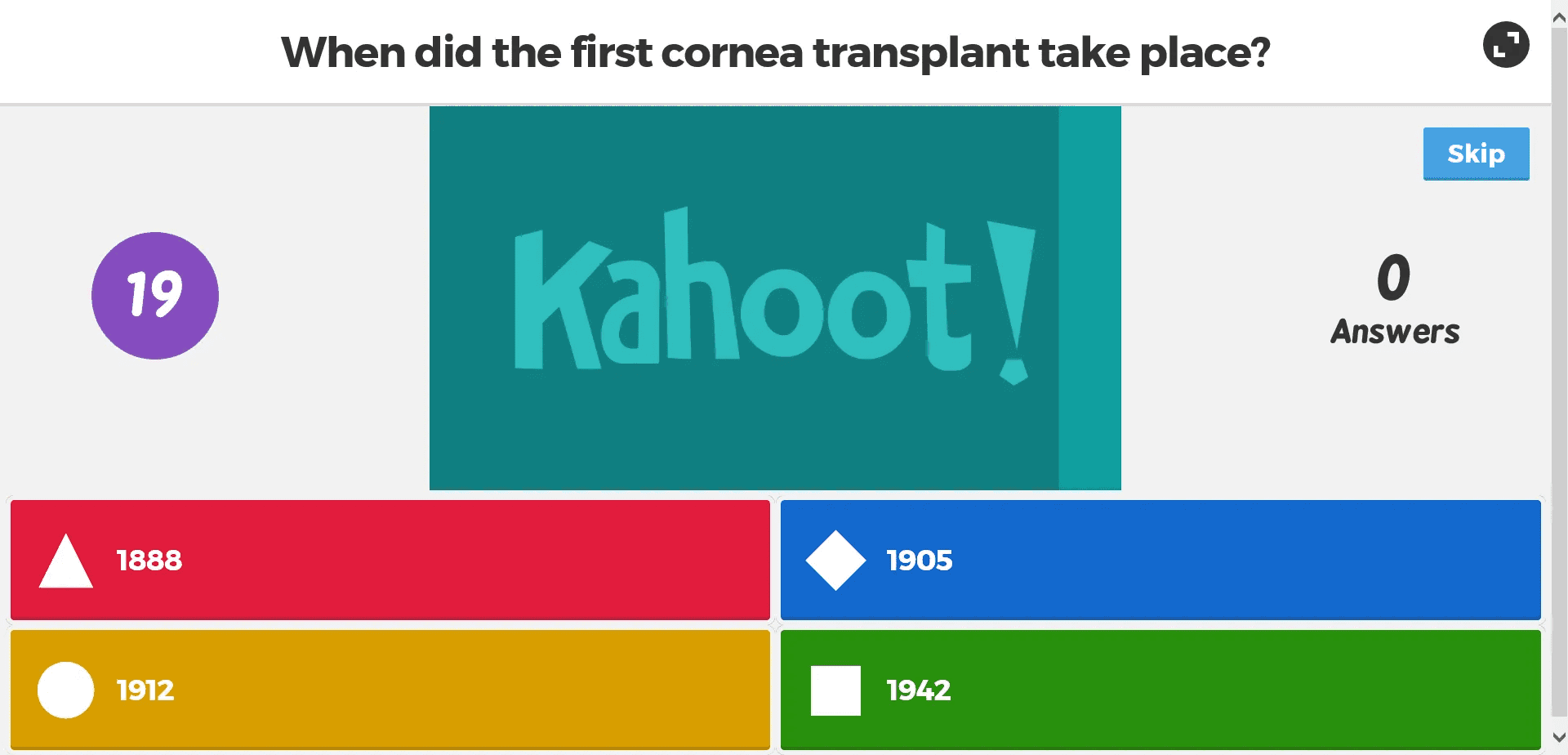
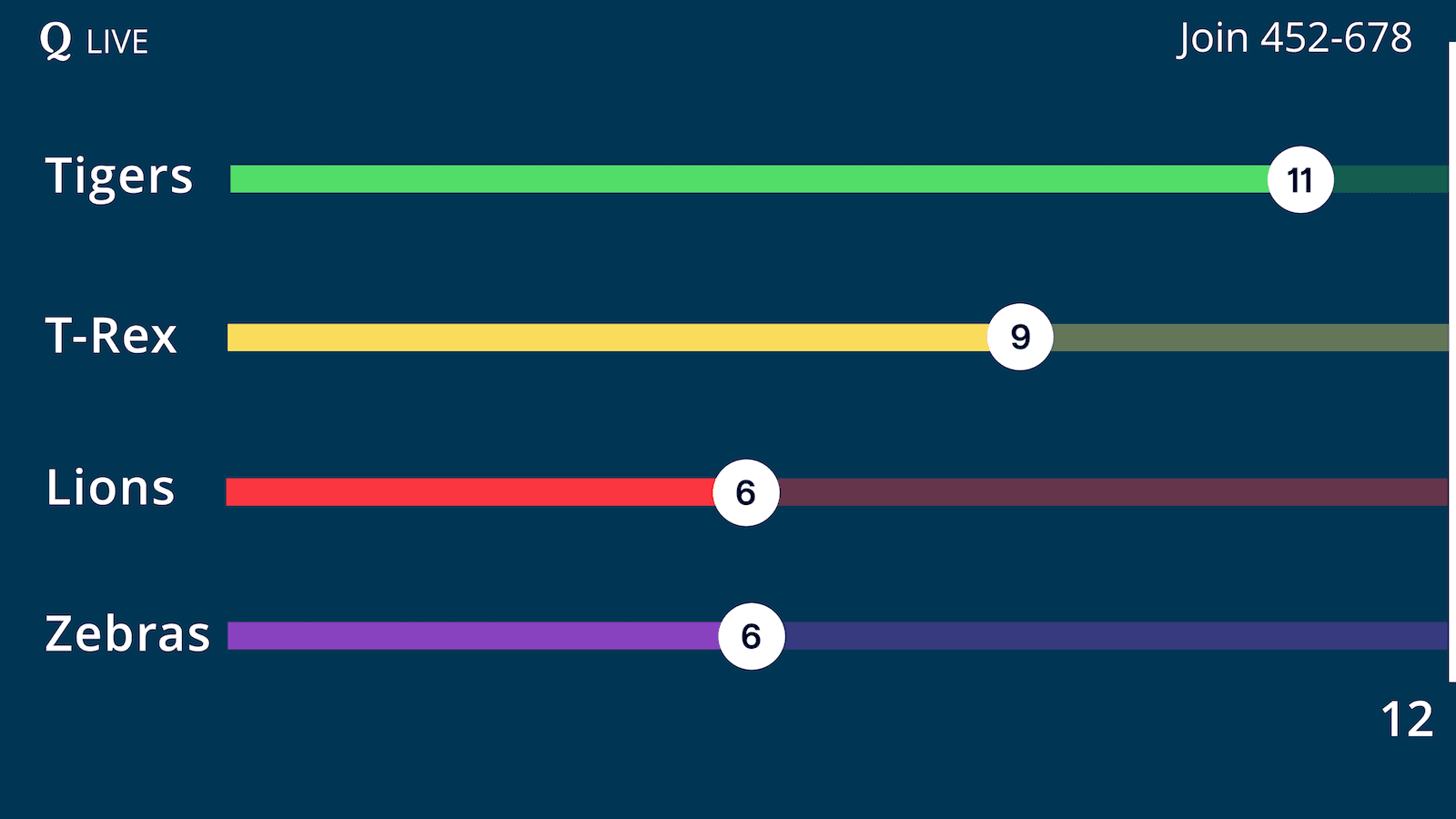
Reflecting on our own classroom experiences, we put ourselves in Sophia’s shoes and explored gamification in the form of friendly competition inspired by Kahoot! and Quizlet Live, blending playfulness with deeper peer engagement. We made sure to include this element in our final design.

Act 03 · Final Prototype
Goodnotes
Study Space
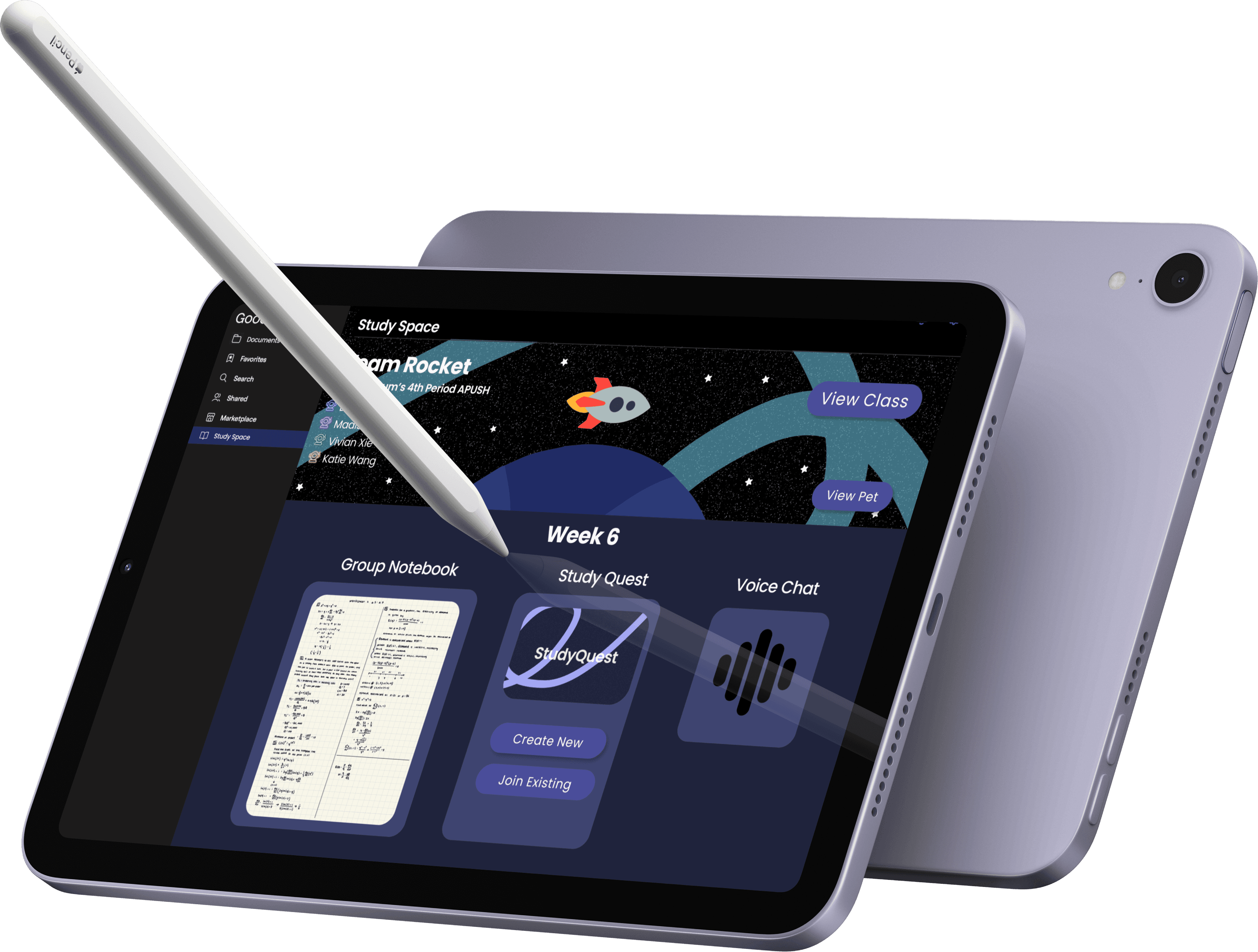
An all-in-one learning tool for Goodnotes users designed to maximize group collaboration.
System Map
Group Notebook
A collaborative Goodnotes document
StudyQuest
An AI-generated quiz game drawing from the notes
Class View
Team scores added up and ranked
Pet Alien
Evolves or shrinks with the team’s answers
Feature 01
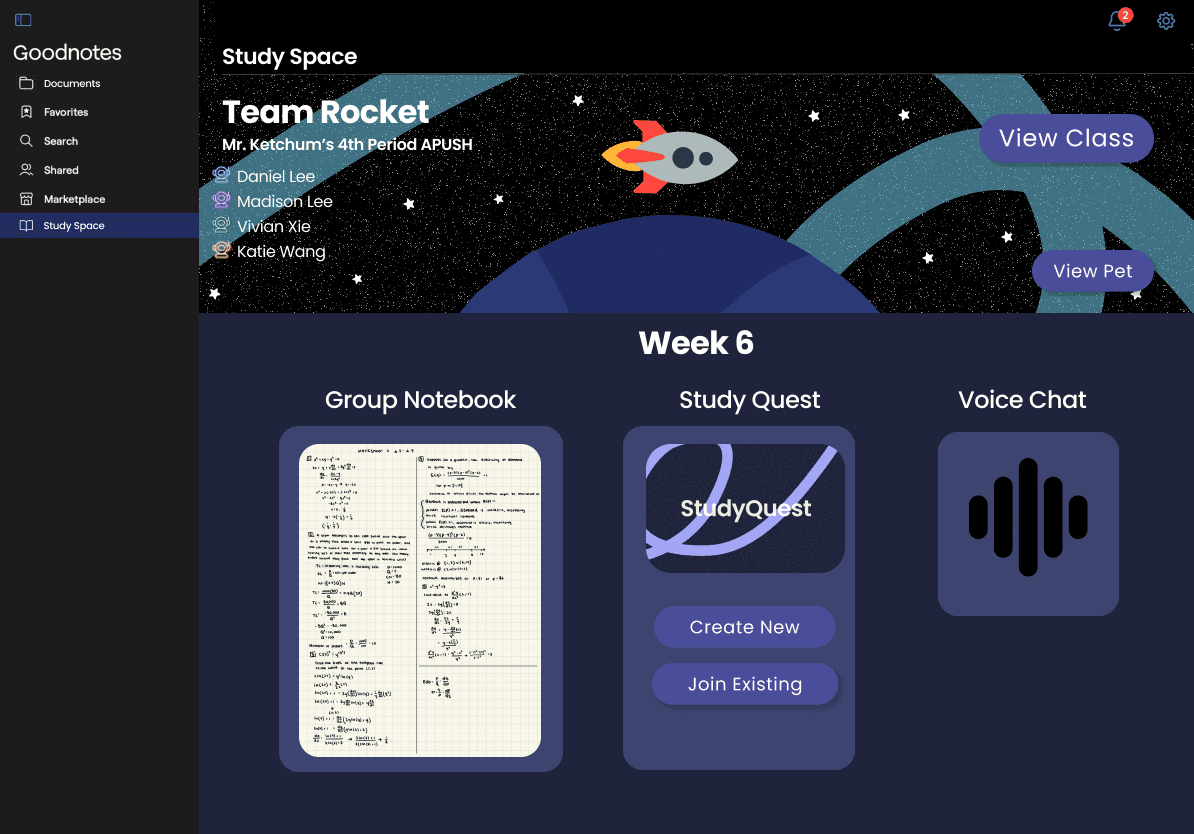
Home Page
The “Study Space” tab on the Goodnotes app takes the student to their assigned group where they can see their group members and access various tools.
Feature 02 · 1/3
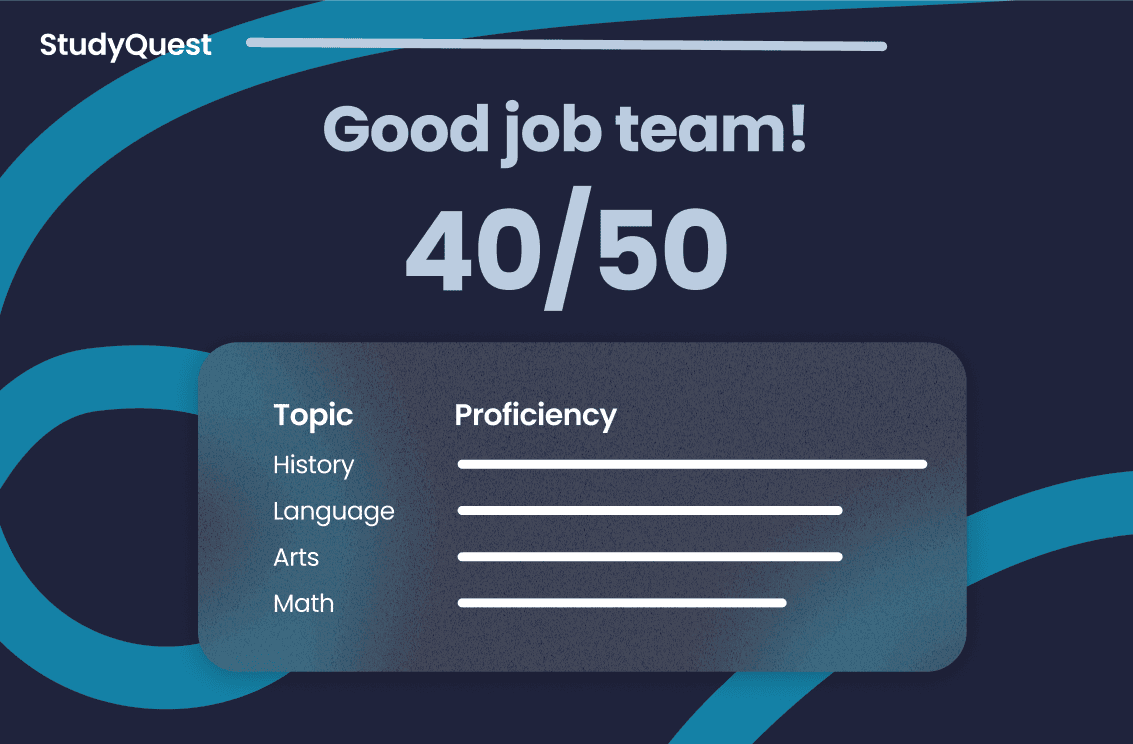
StudyQuest
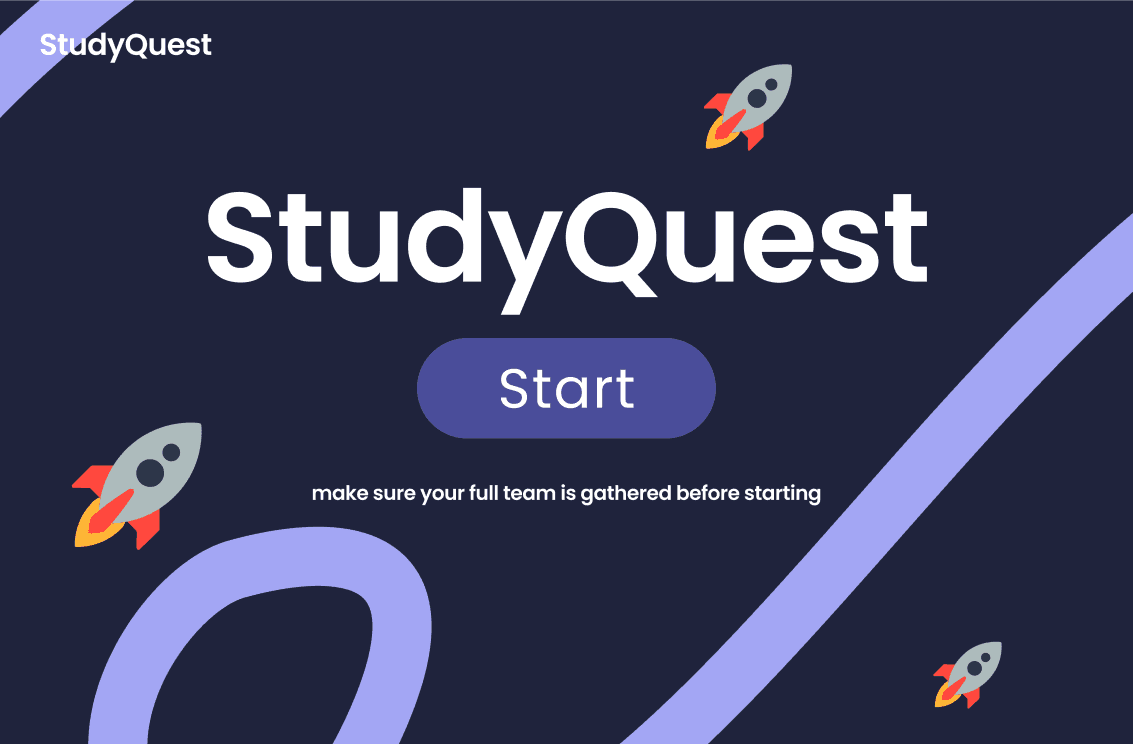
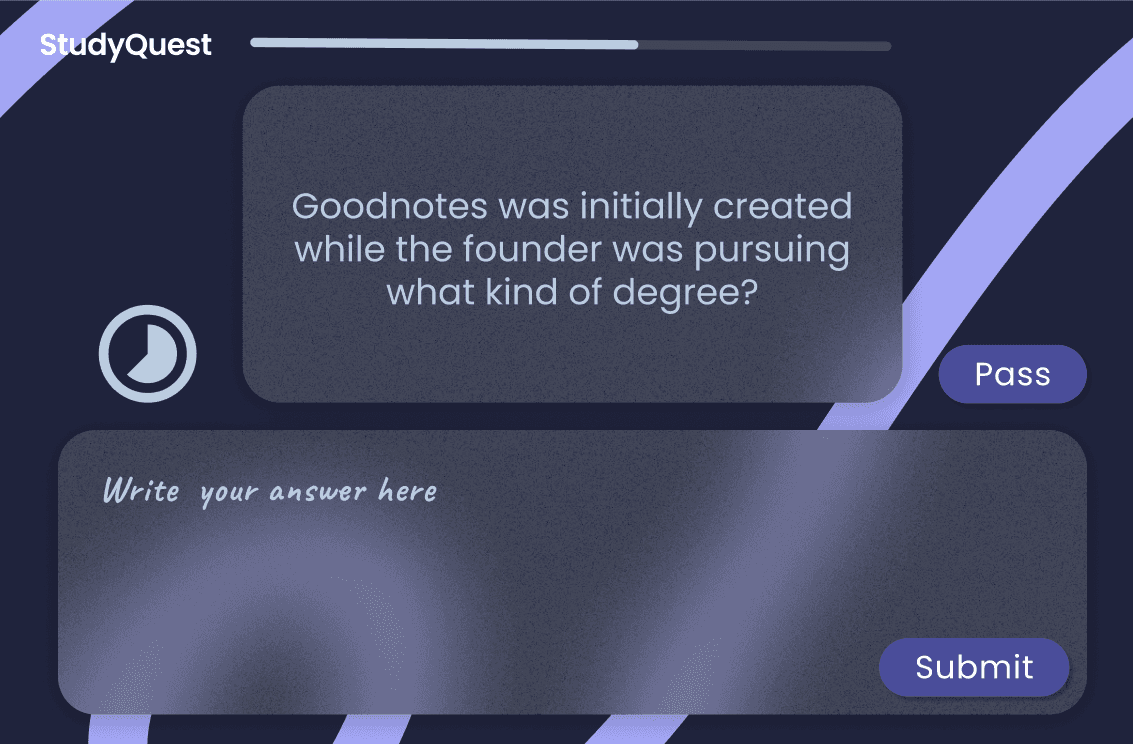
An AI-generated quiz game drawing from the notes that team members contribute to the group notebook. Collective scoring promotes accountability, motivating students to prepare thoroughly and perform their best for the success of their team.
Feature 03
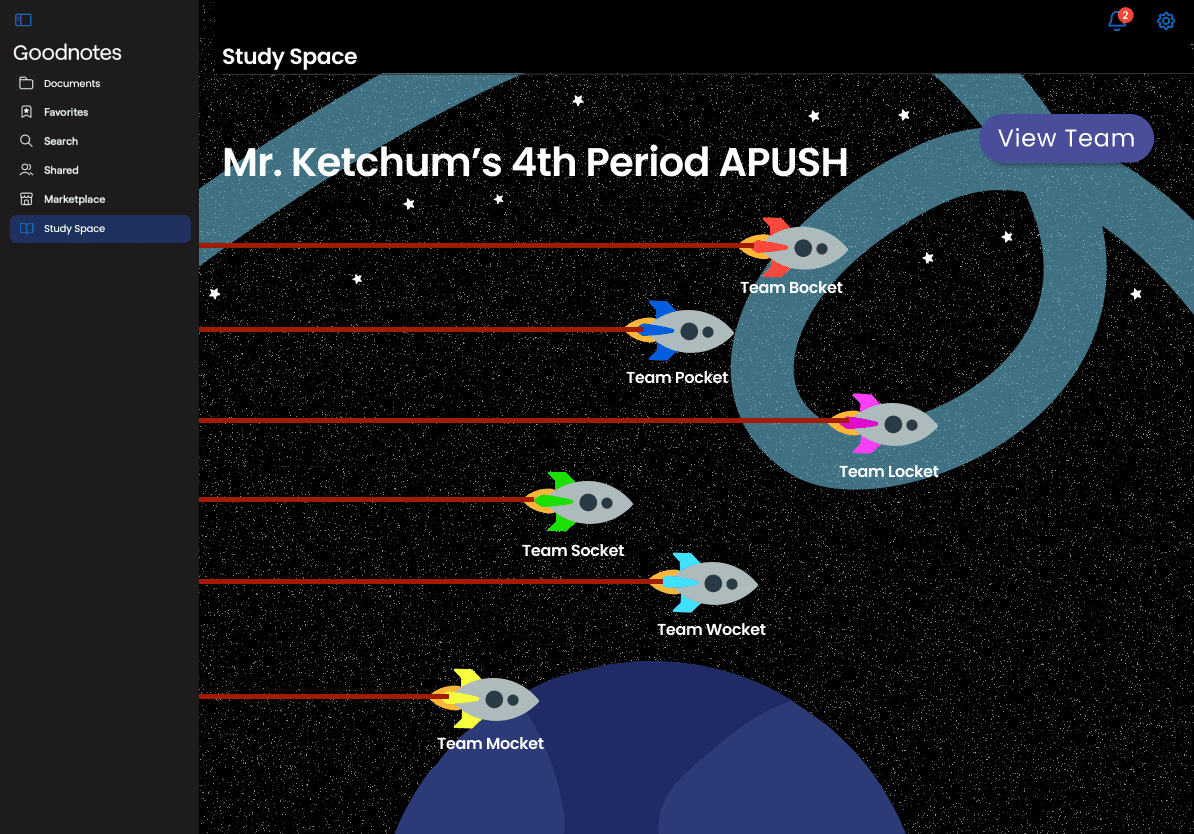
Class View
The scores earned by each team in the class on each StudyQuest quiz are added up and ranked against each other, adding a competitive incentive for students to study.
Feature 04
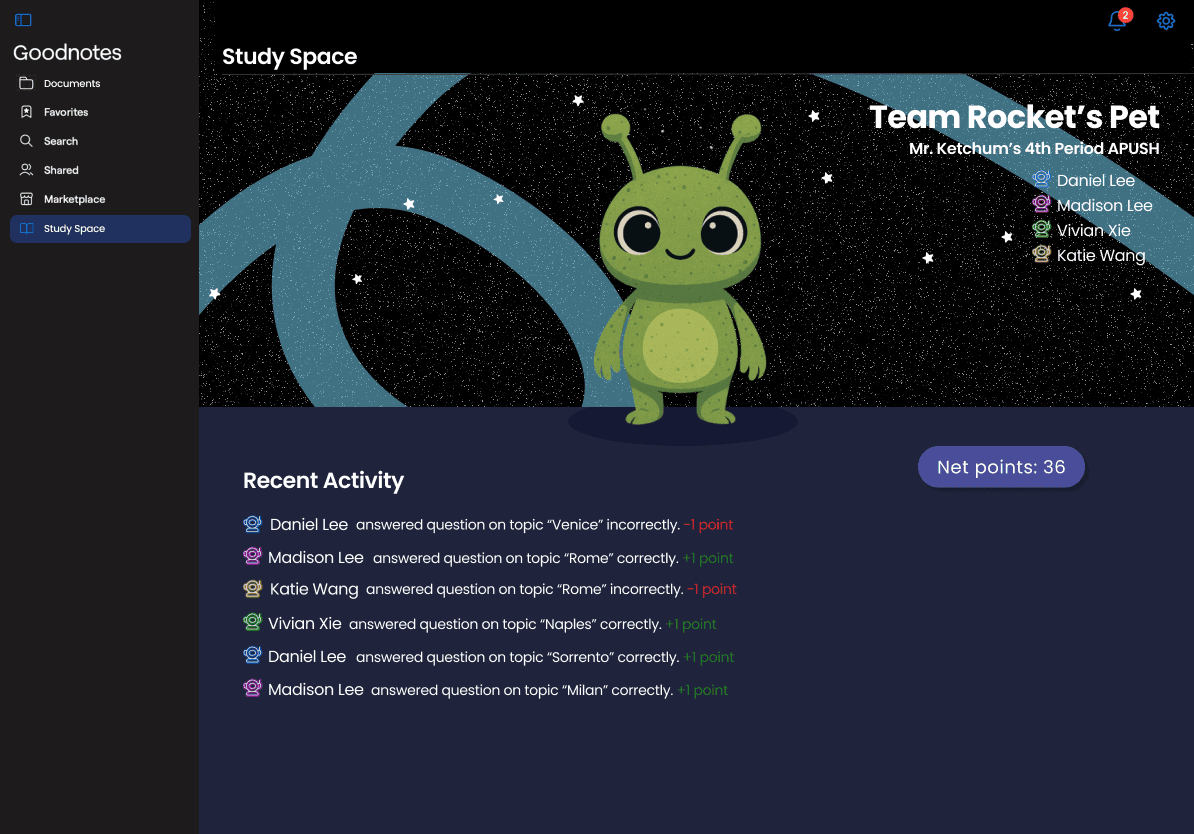
Pet Alien
A customizable virtual pet that evolves or shrinks based on the number of correct or incorrect StudyQuest questions answered by the team.
Epilogue · Reflections
Running on a tight schedule with a small group, there were many challenges that came our way. This experience was incredibly rewarding for me, as I certainly feel more comfortable designing under pressure.
Takeaways
Takeaway 01
Let Ideas Flow
Especially with such little time, we threw out as many ideas as we could during ideation to take the ones that stuck.
Takeaway 02
Take Inspiration from Others
Have a firm grasp as to why certain features, layouts, and aesthetics work for similar products.
Takeaway 03
Be Fast Yet Decisive
It was crucial for us to not only make design choices quickly but confidently, then commit to them.
Room for Improvement
There were many ideas that we had talked about as a team that, due to time restraints and lack of development, did not make it onto the prototype. In the future, it would be helpful to map out every page and feature before building, as these ideas were not fully fleshed out by the time it came to execute them.
I am incredibly proud of my teammates, Katie Wang and Vivian Xie, for the tremendous effort and diligence they demonstrated throughout the whole competition, and winning 1st place was definitely a huge feat for all of us!
I can only hope that Sophia is as satisfied with Study Space as we are.