Mozilla Firefox
Adaptive Performance
Led 6 designers and 3 Mozilla stakeholders from an 88-person survey to a live coded Firefox extension that puts 4 performance features within 2 clicks.
Jump to deliverable
Act 1 · A Smarter Browser
“My browser keeps crashing and I don't know why”
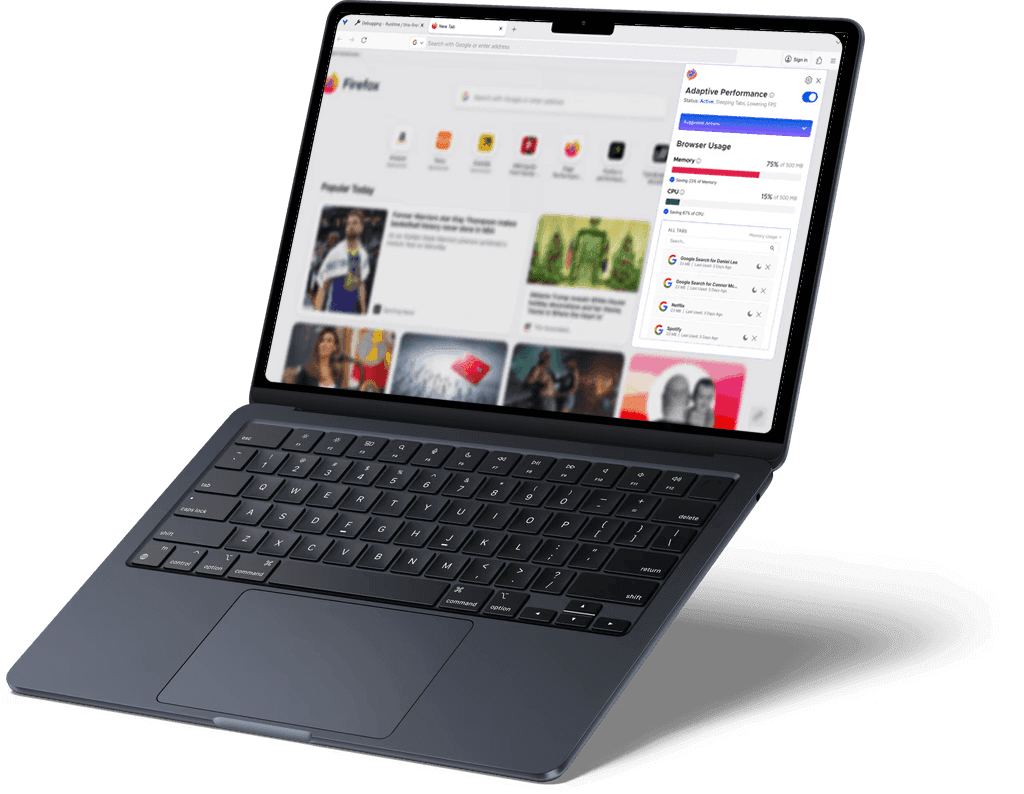
Because of the limitations of her aging laptop, Selina experiences crashes, slow load times, and rapid battery drain. To address this, Mozilla Firefox is developing an Adaptive Performance browser extension that personalizes performance based on a user’s hardware and browsing habits.
Mozilla is currently looking to integrate this feature into their user interface in a way that promotes smarter browser use. They are afraid that the product itself will not align with the company’s mission and users’ interests.


User Research
User Research
User Research
I led user research in the form of competitor analysis, 15 user interviews, an 88-person survey, and hardware profiling to gather key quantitative data that revealed deeper insight into user behavior surrounding browser extensions and performance expectations.
47.7%
47.7%
47.7%
of users have 6–15 tabs open at once
58%
58%
58%
of users have extensions mildly integrated
87.5%
87.5%
87.5%
want simple device statistics displayed
Our research unveiled key user preferences around optimized browser performance.
“If eco-mode won’t impact browsing efficiency, I would consider it.”


User 01
“I don’t know how to turn on power saving mode in my browser.”


User 02
“I want a clear tracker of the impact with quantitative metrics.”


User 03
From our research, we focused on 3 key factors to prioritize.
01
01
01
Optimized Use of CPU & Memory
02
02
02
Energy Conservation
Energy Conservation
Energy Conservation
03
03
03
Personalized Controls
“My browser would probably run faster if I closed some tabs…”


This instinctive thought reflects how users already reason about browser performance. Recognizing this mental model, we recontextualized our design to emphasize tab usage as the core interaction of the Adaptive Performance extension, leveraging familiar behavior rather than introducing new friction.
At the end of the day, Selina wants a solution that feels tangible yet unobtrusive. Users should feel in control of their browser’s performance without being interrupted or slowed down by the tool itself.
Design Question
Design Question
Design Question
How might we design and implement an Adaptive Performance extension within Firefox that promotes resource-conscious internet usage?
Act 02 · Ideation
Act 02 · Ideation
Act 02 · Ideation
Design Goals
Design Goals
Design Goals
Final Solution!
Final Solution!
Final Solution!
Performance Communication
Digestible breakdown of browser performance.
Seamless Integration
Unified controls bring backend data to everyone with an unintrusive interface.
Impact
Impact
Impact
Maintaining brand promise of prioritizing privacy, environment, and users over profit.
Feature Ideation
Feature Ideation
Feature Ideation
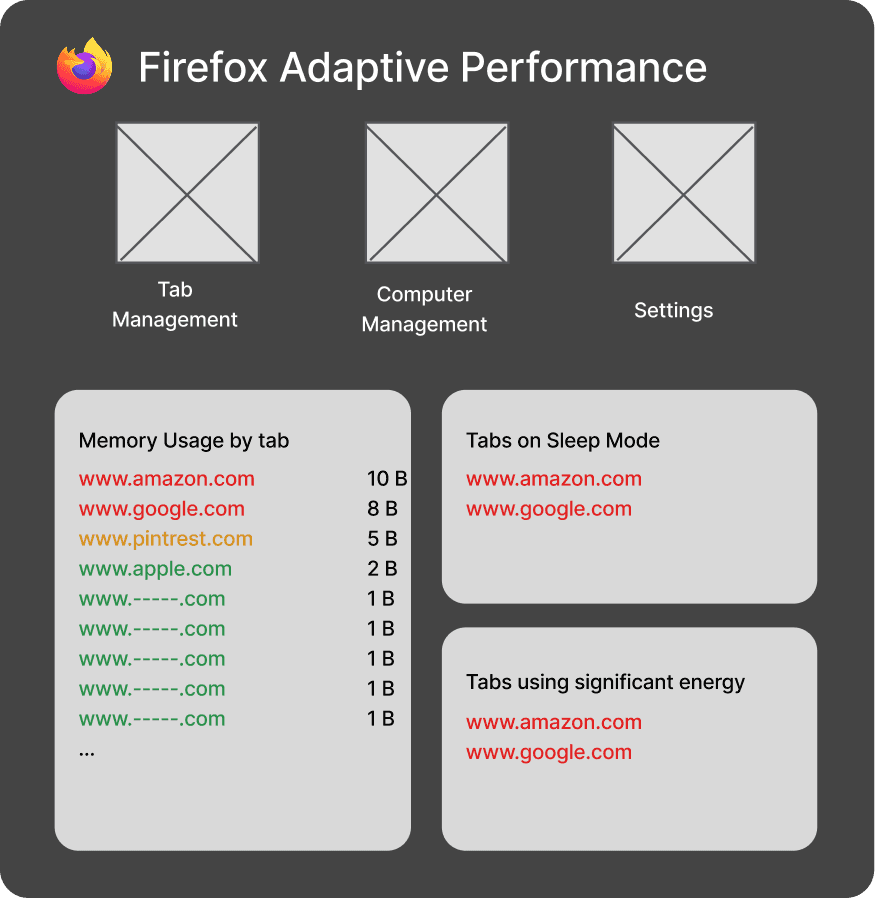
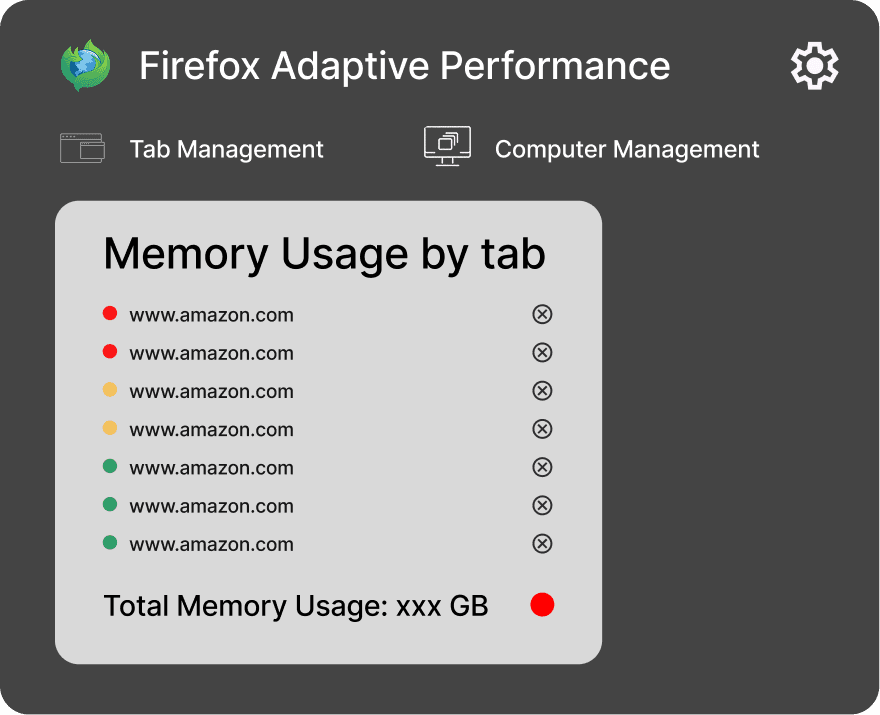
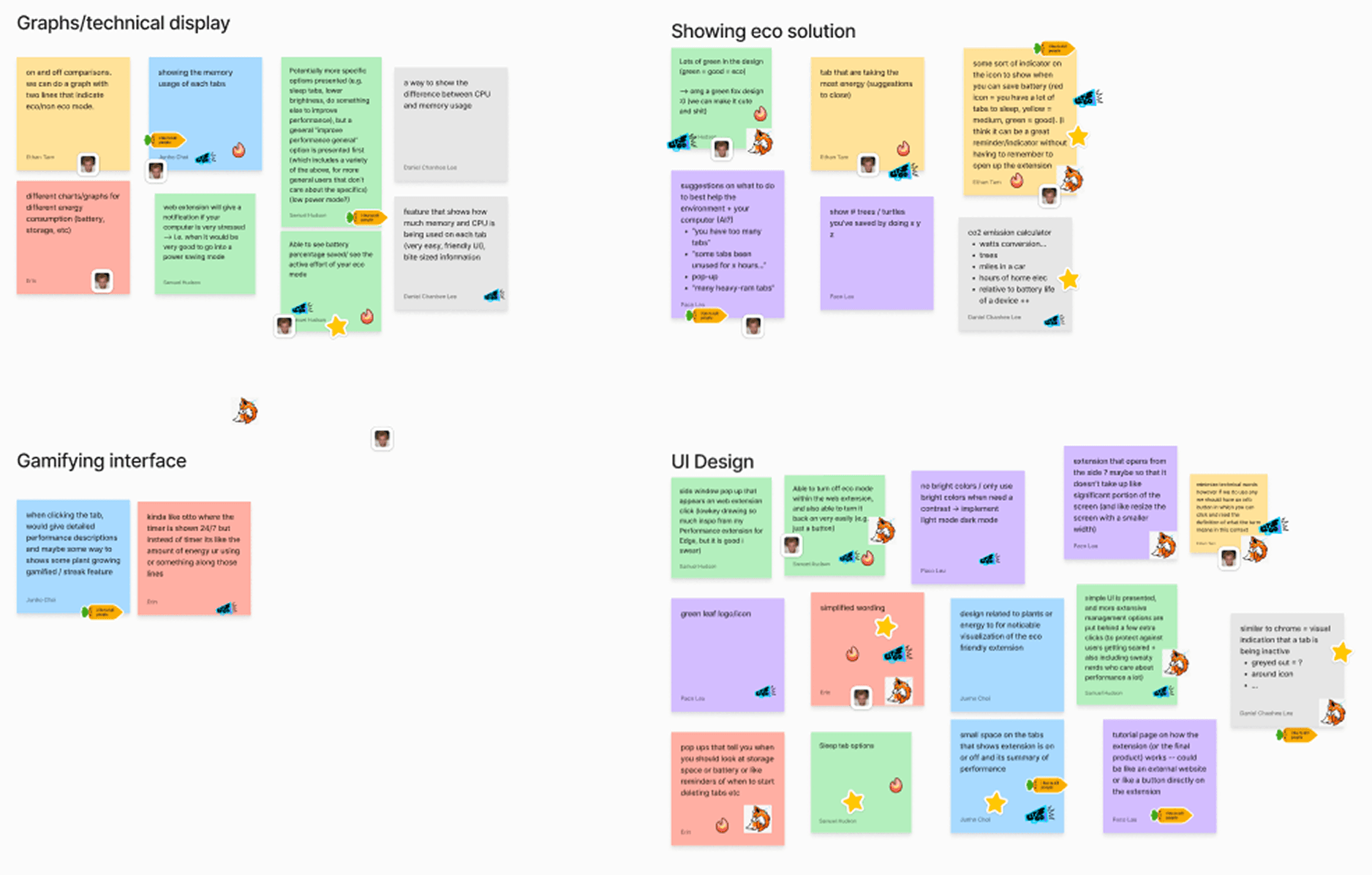
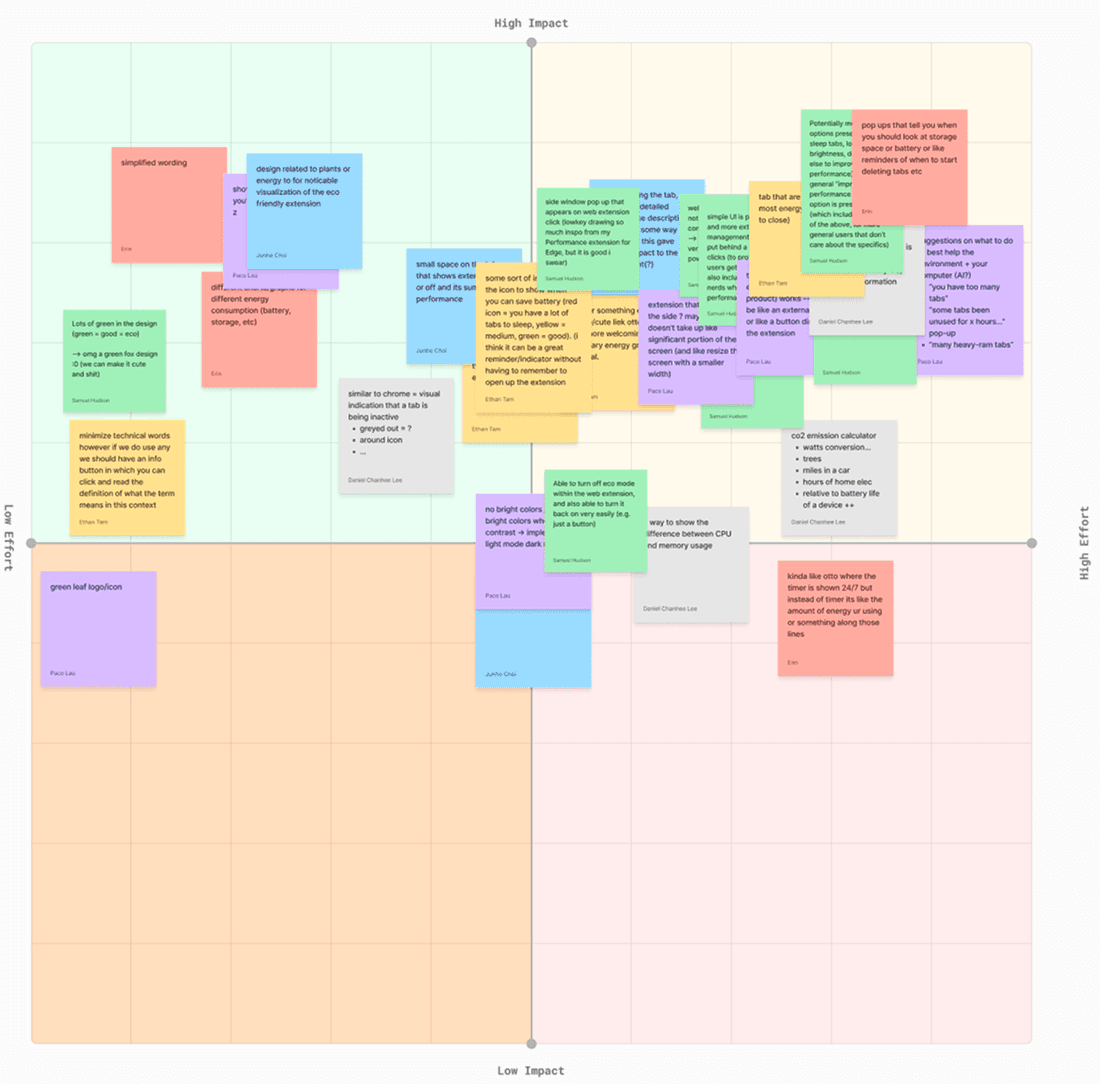
I synthesized user concerns into thematic categories and mapped potential solutions using an impact–effort matrix. This allowed the team to prioritize features that delivered the greatest user value while remaining feasible within technical and time constraints as per the contract.
I mapped 6 feature concepts on an impact-effort matrix and carried 4 forward: tab monitoring, suggested actions, live memory and CPU readouts, and a one-click toggle. Two were cut because they added friction that contradicted the unobtrusive principle. Across 5 mid-fi iterations, the suggested-actions panel was the interaction participants completed fastest; a plain sentence like “this tab has not been used in 10 days, sleep it?” tested better than any chart.
Mid-Fi Prototypes
Mid-Fi Prototypes
Mid-Fi Prototypes
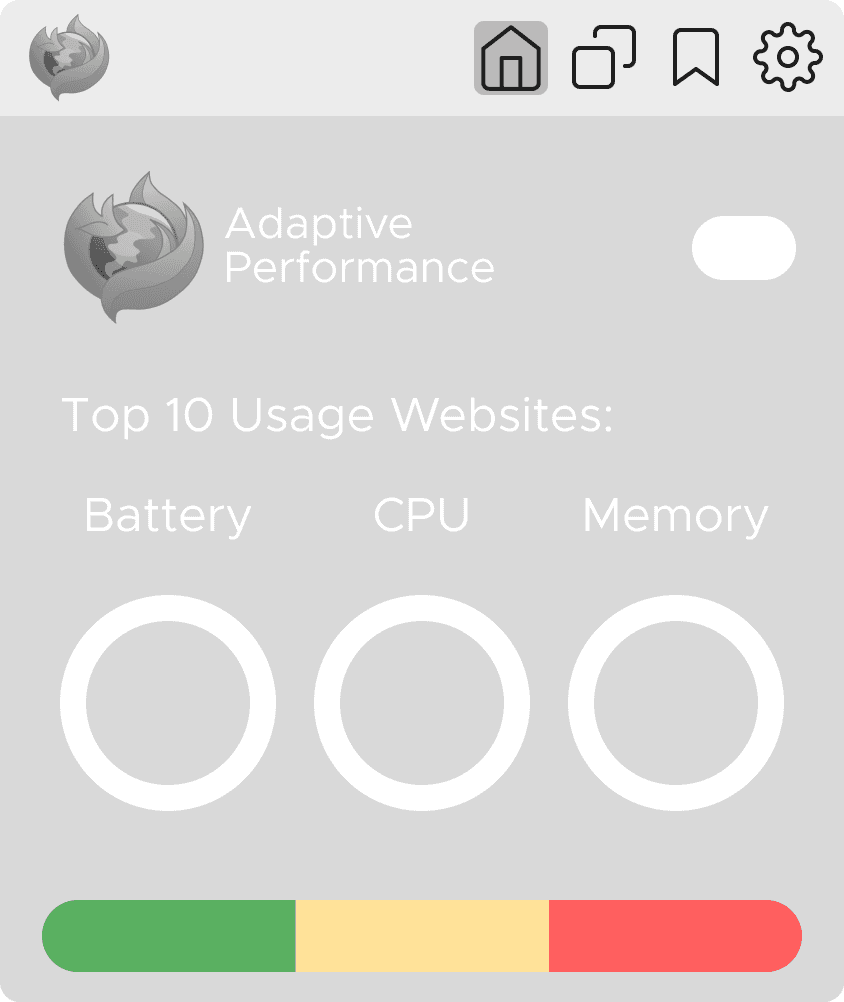
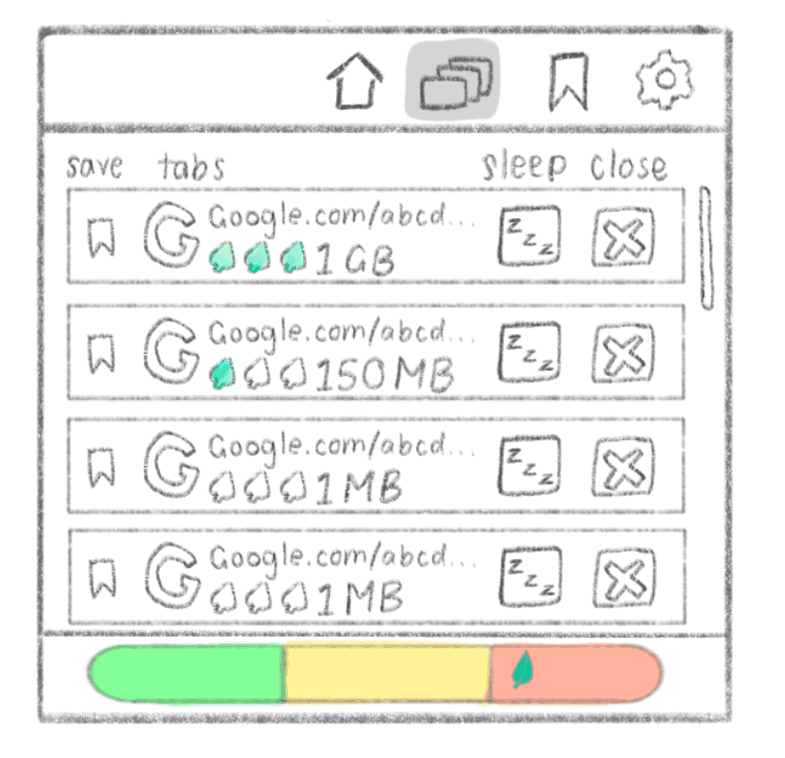
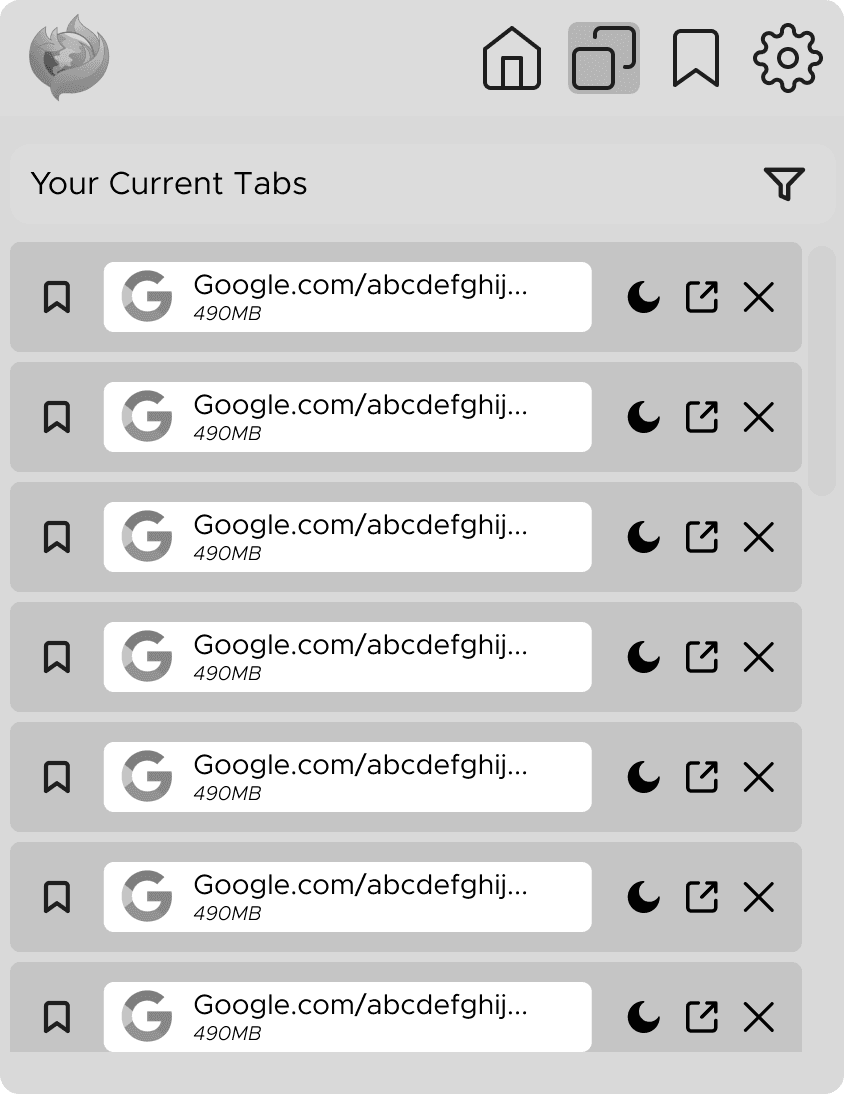
Our team sketched wireframes and turned them into mockups that I used for 8 user interviews as a means of testing design implications and gathering direction.


drag to rearrange
Positive Reactions
Clean UI
Clean UI
Clean UI
Simple usability
Simple usability
Simple usability
Satisfying tab controls
Useful in everyday tasks
Ideal for heavy tab users
Pain Points
Technical language barrier
Confusion around AP toggle
Weak AP transparency
Lack of multi-window support
Opportunity 01
Larger Emphasis on Information Clarity
Clearer feedback after actions, and an explanation of the passive processes running in the background.
Opportunity 02
Multi-Window Control
Oversight over tab usage across windows, with clear, visible performance diagnostics across all tabs.
Opportunity 03
Increased Automation
Users were interested in auto-sleeping tabs, background tab optimization, and adjustable performance thresholds.

Act 03 · Final Prototype
Mozilla Firefox
Mozilla Firefox
Mozilla Firefox
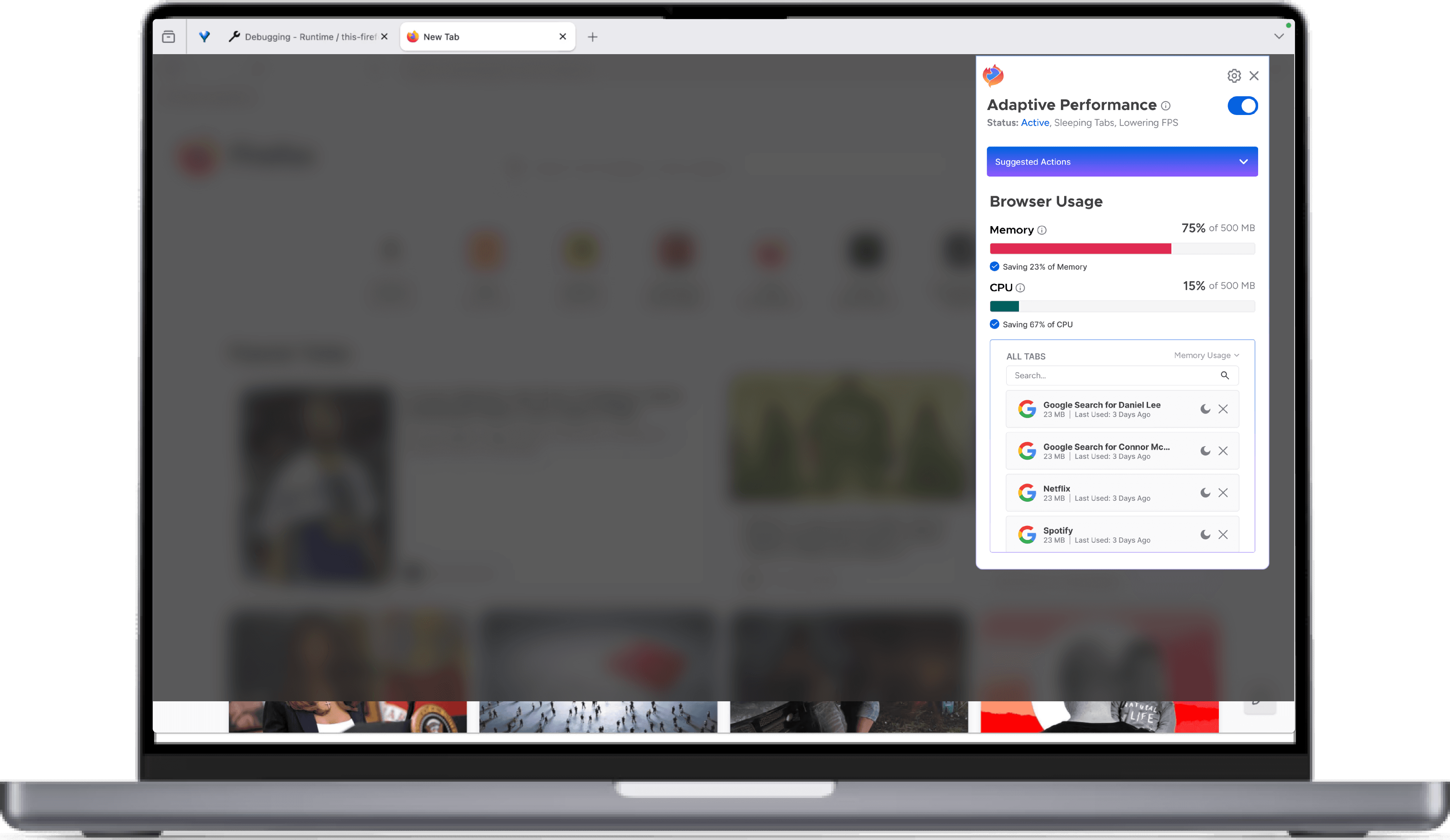
Adaptive Performance Final Prototype
An accessible, holistic overview of total browser usage: 4 features in one panel, each within 2 clicks, built as a live extension demo coded in React.
Moment 01
One-Click Switch
An intuitive toggle puts the full extension on or off in one tap. A one-line status summary tells you exactly what's running.
Moment 02
Suggested Actions
Recommended steps to improve browser performance based on time last used and CPU/Memory usage — no modal, no interruption.
Moment 03
Browser Usage
Live tracking of browser memory and CPU relative to system capacity — two numbers, plain and live.
Moment 04
Tab Monitoring
Clear distribution of memory and CPU usage across all active tabs — a sortable list ranked by resource usage.
Status: Active, Sleeping Tabs, Lowering FPS
Google Search for Seeun Ahn
12 MB | Last Used: 10 Days Ago
Google Search for Daniel Lee
23 MB | Last Used: 3 Days Ago
Google Search for Connor McSeveney
23 MB | Last Used: 3 Days Ago
Browser Usage
✓Saving 23% of Memory
✓Saving 67% of CPU
Google Search for Daniel Lee
23 MB | Last Used: 3 Days Ago
Google Search for Connor McSevevse
23 MB | Last Used: 3 Days Ago
Netflix
23 MB | Last Used: 3 Days Ago
Spotify
23 MB | Last Used: 3 Days Ago
Epilogue · Reflections
Takeaways
Takeaways
Takeaways
Takeaway 01
Center The User
Center The User
Despite technical complexity, every decision was grounded in real user needs and behaviors.
Takeaway 02
Bridge the Gap
Bridge the Gap
Running weekly critiques for 6 designers and presenting to 3 Mozilla stakeholders and their engineers taught me that collaboration requires clear, intentional communication.
Takeaway 03
Reflect and Edit
Reflect and Edit
Even finalized design decisions benefited from ongoing reflection as new insights emerged.
Room for Improvement
Managing a 6-designer team occasionally made communication inefficient. In hindsight, I would have implemented a more structured system for tracking progress and surfacing completed work, while also creating space for individual feedback and ownership.
Additionally, while our survey insights reflected the majority, spending more time exploring edge cases could have uncovered valuable opportunities for more inclusive design decisions. Overall, I am confident that Selina will have an easier time using her web browser than ever before.

Selina’s laptop is still old. But her browser knows that now, and it’s working with her instead of against her.